Scanster
Scan anything. Save as PDF.
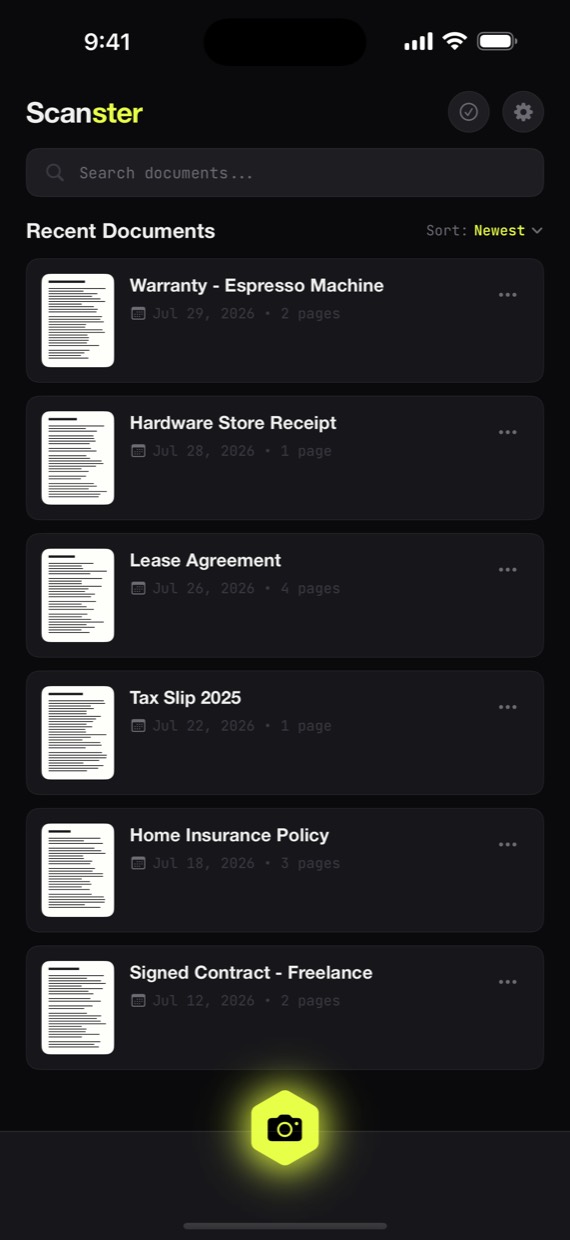
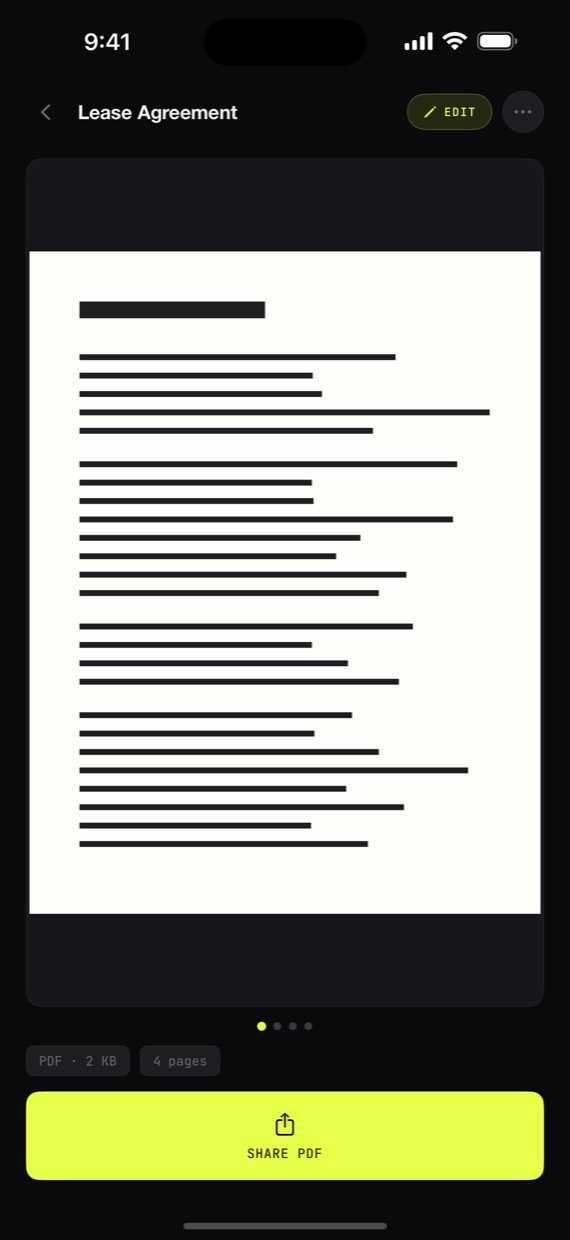
The modern document scanner for iPhone. Multipage scans, cropped and straightened, in seconds.
How it works
Point. It captures itself.
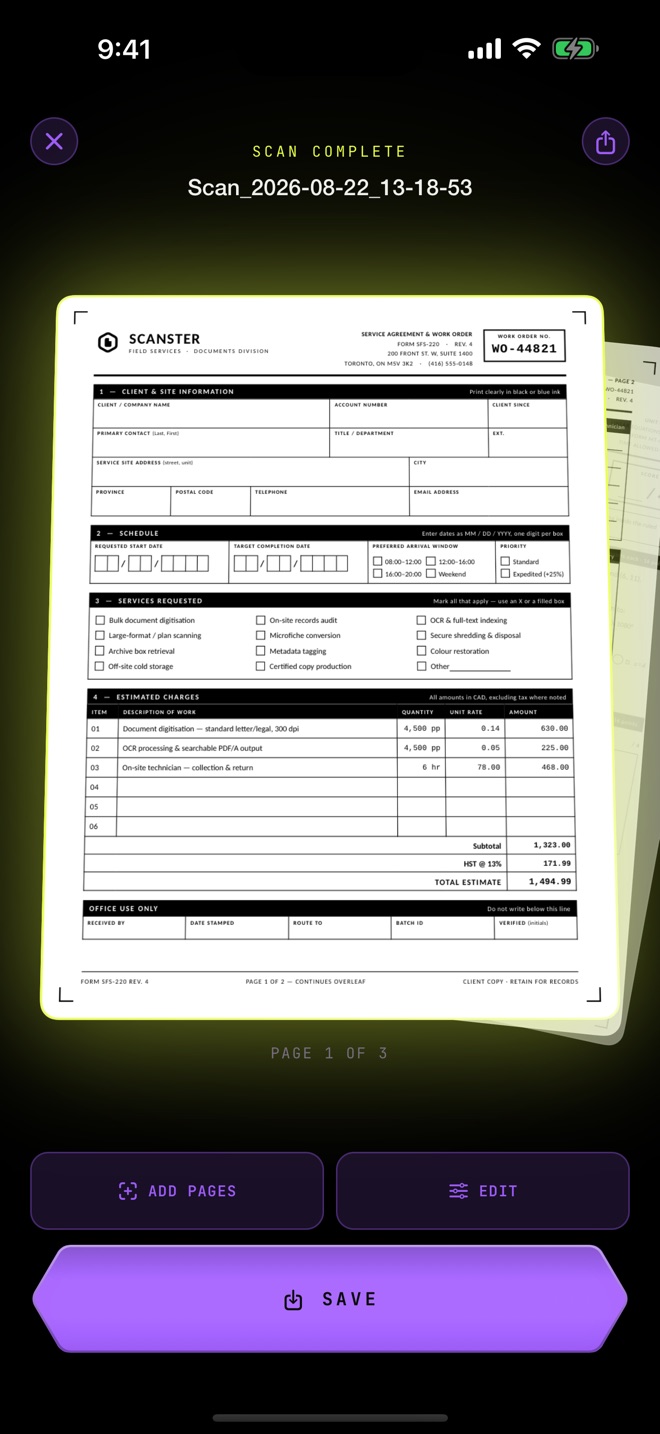
Aim at the page and Scanster finds it, waits for the lens to settle, and fires on its own. Keep going for multi-page scans. Every page comes out cropped to the document and straightened.
For cluttered desks
When a busy desk defeats detection, switch to the guide right from the viewfinder: a frame that holds still while you line the page up. Double-tap and it sizes itself to whatever you're pointing at, down to a sticky note.
Color, Grayscale, B&W
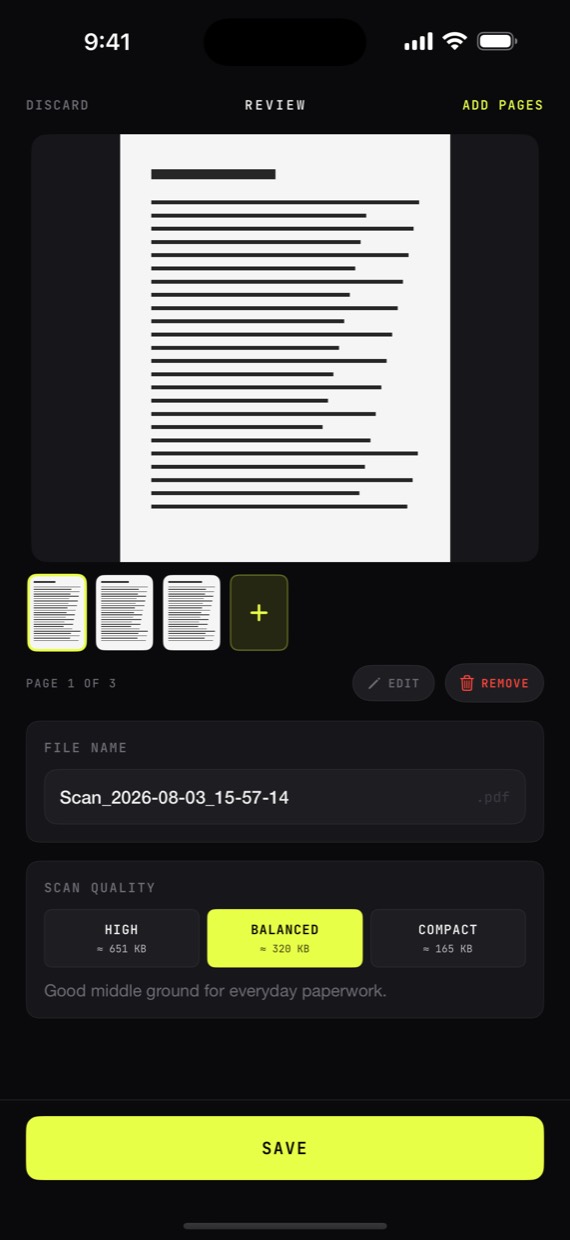
Pick a filter, not a compression setting. Grayscale is sharp and small for paperwork, Black & White is pure ink for handwriting, Color keeps everything. The preview shows exactly what the PDF will look like, and the size shows before you save.
Beam
Scanning is free. Beam is the one upgrade.
Every scan, every page, every export is free forever. Beam adds four things for the people who live in their paperwork.
01 No watermark
Free PDFs carry a small Scanster footer. Beam exports are completely clean.
02 Names itself
New scans take their name from the document's own heading, so an invoice saves as the invoice it is, not a serial number.
03 Search & copy text
Every page becomes text you can search in your library, copy, or share as a text file. Recognition runs on your phone, like everything else.
04 Password lock
Share a password-locked copy of any PDF. The original stays untouched in your library.
One purchase, yours for good. Or a yearly plan if you prefer. Prices show in the app in your local currency, and there is nothing else to buy.
Private by construction
Nothing leaves the phone
Finding the page, building the PDF, and reading the text all happen on your phone. Scanster has no servers to send anything to.
Nothing to sign up for
No registration, no login, no email capture. Open the app and scan.
Nothing watching
No analytics SDK, no ads, no third-party code phoning home. What you scan is your business.